
We’ve been busy making Monto more flexible behind the scenes — with new controls for:
- Currency Converter formatting
- Better Abandoned Cart recovery for CartGenie stores
- Fulfillment tracking for Foxy
- ...and several more improvements across Monto!
👇 Here’s what’s new:
🌎 More Control Over Currency Formatting
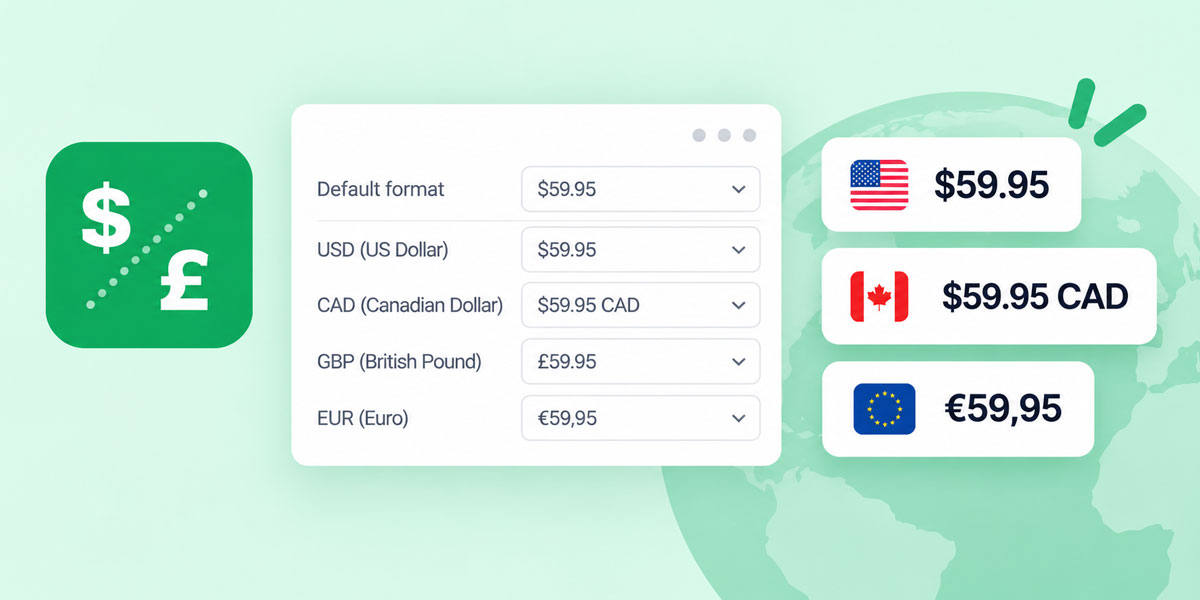
Monto’s Currency Converter now gives you much more control over how prices are displayed.
You can now change your store’s default price format and even set a custom format for individual currencies.
For example, you could display:
$59.95 (no currency code) for Americans
$59.95 CAD (with currency code) for Canadians
59,95 € (with no currency code) for Europeans
Previously, every currency had to follow the same formatting rules around currency symbol and code.
This makes it easier to keep your pricing clean while still adding currency codes where they’re helpful for customers.

🛒 CartGenie Abandoned Carts Now Work Across Devices
Monto’s Abandoned Cart app now preserves a shopper’s CartGenie cart across browsers and devices.
Previously, customers needed to reopen an abandoned cart email in the same browser they originally used.
Now, they can start shopping on one device, open the recovery email somewhere else, and still get their cart back.
One less obstacle between an abandoned cart and a recovered sale.
📦 Fulfillment Statuses for Foxy Stores
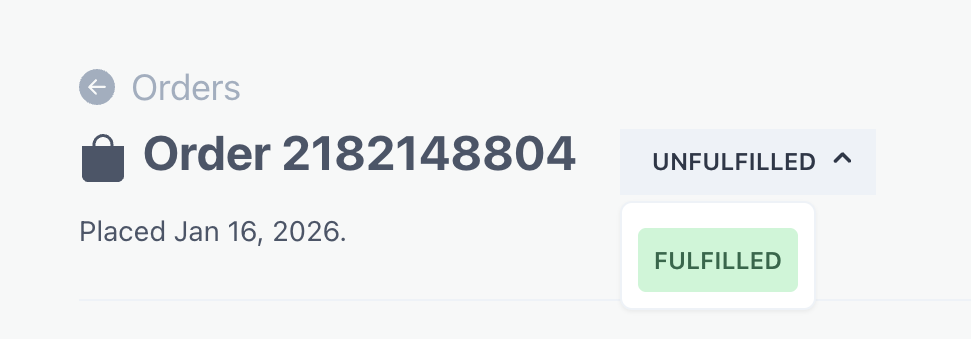
Foxy stores can now track fulfillment directly inside Monto.
Because Foxy doesn’t provide its own fulfillment statuses, Monto can now show whether each order is:
- Unfulfilled
- Fulfilled
You can also view the associated shipping information directly with the order, making it much easier to keep track of what still needs to go out.
✨ Other Improvements
A few other updates that shipped recently:
Partial fulfillment support for CartGenie — Monto can now display partially fulfilled orders when the partial fulfillment is created from the CartGenie dashboard.
Webflow Ecommerce custom order fields — Custom checkout data such as phone numbers, checkboxes, messages, and other fields are now pulled into the Monto order detail page.
Subscription management in Customer Portal — CartGenie customers can now pause or cancel their subscriptions directly from Monto’s Customer Portal without contacting your team.


